AI for immigration consultants: consent and duty
What an RCIC should know before putting client files through an AI tool: the Code's confidentiality and supervision duties, what the College has and has not published, and the Privacy Commissioner's principles.
AI tools can now read a passport, summarize a bank letter and draft a cover letter. For an RCIC, two questions come first: what happens to the client's information, and who answers for the output? This guide to AI for immigration consultants is for the licensed consultant deciding how, or whether, to use AI on client files.
It sets out what the primary sources say and stops there. It is not legal advice. Where a rule matters to your practice, read the source and, if in doubt, ask the College.
What the College has published
We searched college-ic.ca on 10 November 2026 and found no published guidance on AI for licensees. The College's Professional Standards of Practice do not mention AI or automated tools. If the College publishes guidance, it will take precedence over anything here.
Until then, the existing rules apply. The Standards say a licensee "must practise only within the scope of their professional and individual competence", "must maintain their competence throughout their practice" and "must maintain the confidentiality of all information in relation to clients, whether current or former."
What the Code says
The Code of Professional Conduct does not mention AI. Four of its duties bear directly on how you use it.
| Section | What it says | What it means for AI use |
|---|---|---|
| 19(1) | A licensee "must fulfill their professional obligations competently and diligently" | You need to understand a tool well enough to check what it produces |
| 28(1) | A licensee "must keep confidential all information in relation to a client or former client" and take necessary measures to maintain that confidentiality "indefinitely" | Client data sent to an AI provider is still your confidentiality duty |
| 28(2) | Disclosure is allowed only in listed cases, starting with "(a) authorized by the client" | Know which basis you rely on before files leave your system |
| 38(2) | A licensee "must supervise and assume professional responsibility for any work done by a person who assists" them | Work prepared with an assistant's help stays yours to check |
Section 28(2) also lists disclosure "made to a person who is assisting the licensee." The Code does not say whether a software provider counts. We do not interpret that. The cautious course is the first item on the list: the client's authorization, in writing.
What the Privacy Commissioner says
The Office of the Privacy Commissioner, with provincial and territorial regulators, published principles for generative AI. For organizations using these tools, they include:
Legal authority and consent
"Know and document their legal authority for collection, use, disclosure and deletion." Where consent is relied on, it must be valid and meaningful.
Openness
"Clearly communicate to any affected party whether a generative AI tool will be used as part of a decision-making process."
Accountability
"Accountability for decisions rests with the organization, and not with any kind of automated system."
Accuracy
"Take reasonable steps to ensure that any outputs from a generative AI tool are accurate as necessary for the purpose."
Less personal data in prompts
"Where possible and reasonable, use anonymized or de-identified information within prompts."
The Commissioner's page for businesses adds "limiting the sharing of personal, sensitive or confidential information" with AI tools.
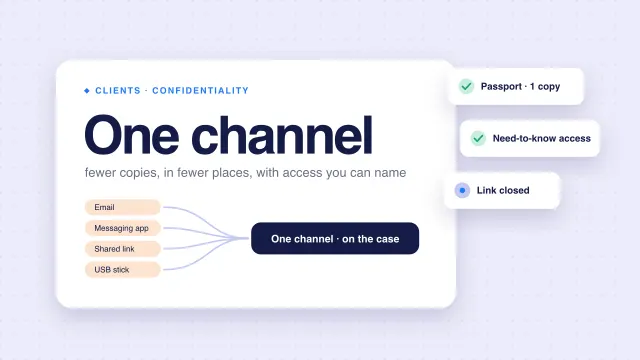
Some AI providers process data outside Canada, so ask where. The Commissioner's cross-border guidelines say PIPEDA does not prohibit that, but you stay responsible, should require comparable protection, and should tell clients their information may be processed in another jurisdiction. Our guide to secure file sharing with immigration clients covers the same questions for document transfer.
A practical policy for a small practice
Write this down once. Share it with anyone who assists you, as section 38 requires you to supervise their work.
List your AI tools
Every tool that sees client data, including features inside the practice software you already use.
Know each provider's terms
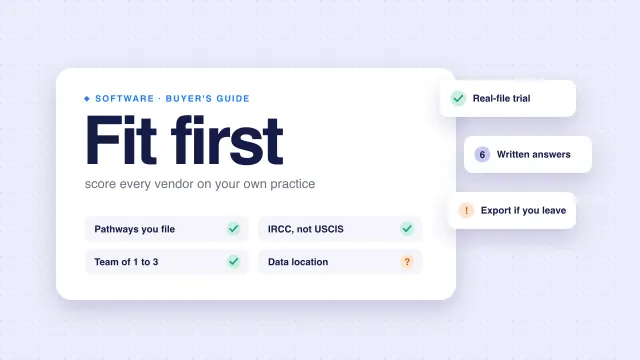
Does it train on what you send? How long does it keep it? Where does it process it? When you compare vendors, ask in writing; see how to choose immigration case management software.
Get written authorization
Say in the service agreement that AI tools may process the client's documents, and where. Section 24(3)(q) already requires you to describe how you maintain confidentiality.
Send the minimum
Strip names and numbers from prompts where the task allows.
Check every output
Treat AI output like a junior assistant's draft. Read it against the source document before it goes in a file.
Keep the decision human
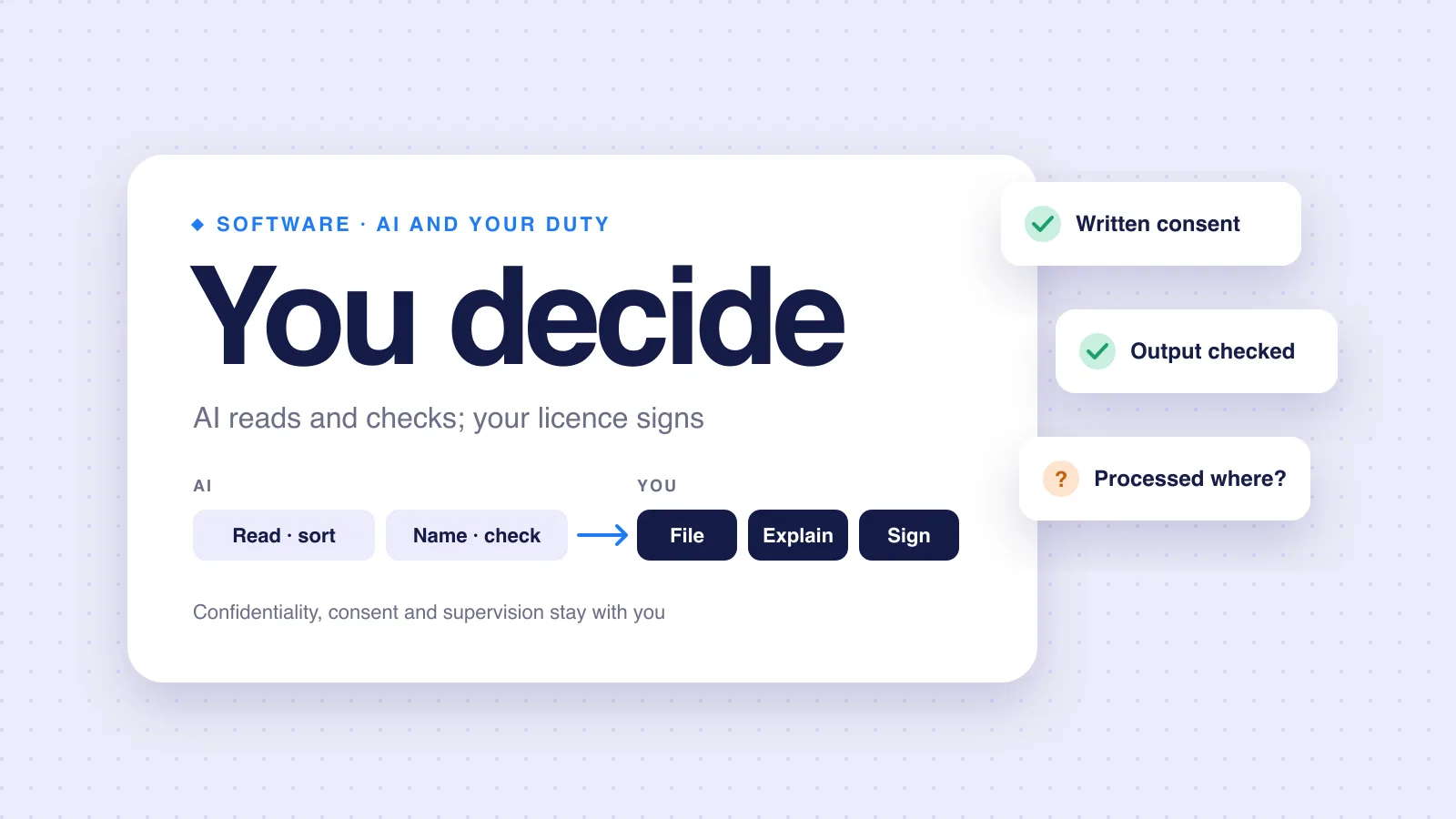
What to file, what to explain, what to sign: those stay with you. Our FAQ answers whether the AI in rcicaxis decides anything.
Review the list yearly
And when the College publishes guidance.
Where AI helps, and where it should stop
| Lower risk: mechanical work you can verify | Higher risk: judgment work |
|---|---|
| Reading dates and names from a document | Advising on eligibility |
| Sorting and naming files | Deciding what to explain to IRCC |
| Flagging a missing or expired document | Drafting submissions you do not read closely |
| Checking a name matches across documents | Anything sent to IRCC without your review |
The left column produces something you can check against the original. The right column is where your licence does the work.
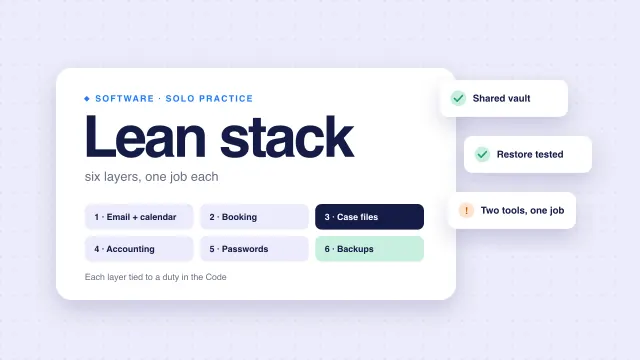
If you are building your practice's tools from scratch, our lean software stack for solo RCICs shows where an AI-assisted tool fits next to email, accounting and backups.
How rcicaxis handles this
In rcicaxis, the AI reads, sorts, names and checks. It does not decide: what to file, what to explain and what to sign stay with you, and no case goes out without your signature. Argus runs 100+ checks on every file and flags blockers and judgment calls for you to review. AI providers read document content to sort and check it; we use their paid plans, which do not train on what we send, and our privacy policy names each one. Some of that processing happens outside Canada, which you should tell your clients, as the cross-border guidelines suggest. More answers are on our FAQ.
Questions
Has the College published guidance on AI for RCICs?
We could not find any on college-ic.ca as of 10 November 2026. Its Professional Standards of Practice do not mention AI. The Code's general duties on competence, confidentiality and supervision still apply.
Do I need client consent to use AI on their documents?
The Code allows disclosure of client information only in listed cases, including when the client authorizes it (section 28(2)(a)). The Privacy Commissioner says that where consent is relied on, it must be valid and meaningful. Getting written authorization in the service agreement is the cautious path.
Who is responsible if AI makes a mistake in a client file?
You are. The Privacy Commissioner's generative AI principles say accountability for decisions rests with the organization, not any automated system. The Code requires you to act competently and to supervise work done on your behalf.
Can I paste client details into a free chatbot?
Check the provider's terms on training and retention first. The Privacy Commissioner advises limiting the personal, sensitive or confidential information shared with AI tools, and using de-identified information in prompts where possible.
Sources
- Code of Professional Conduct for College of Immigration and Citizenship Consultants Licensees (SOR/2022-128)
- College of Immigration and Citizenship Consultants: Professional Standards of Practice
- Office of the Privacy Commissioner: Principles for responsible, trustworthy and privacy-protective generative AI technologies
- Office of the Privacy Commissioner: AI, privacy, and your business
- Office of the Privacy Commissioner: Guidelines for processing personal data across borders
The Code, the College's Standards and the Privacy Commissioner's pages checked against the sources above on November 10, 2026. This is practice guidance, not legal advice.