Secure file sharing with immigration clients
How a small RCIC practice can move passports, bank letters and police certificates between clients and the file safely, based on the Code's confidentiality duty and the Privacy Commissioner's guidance.
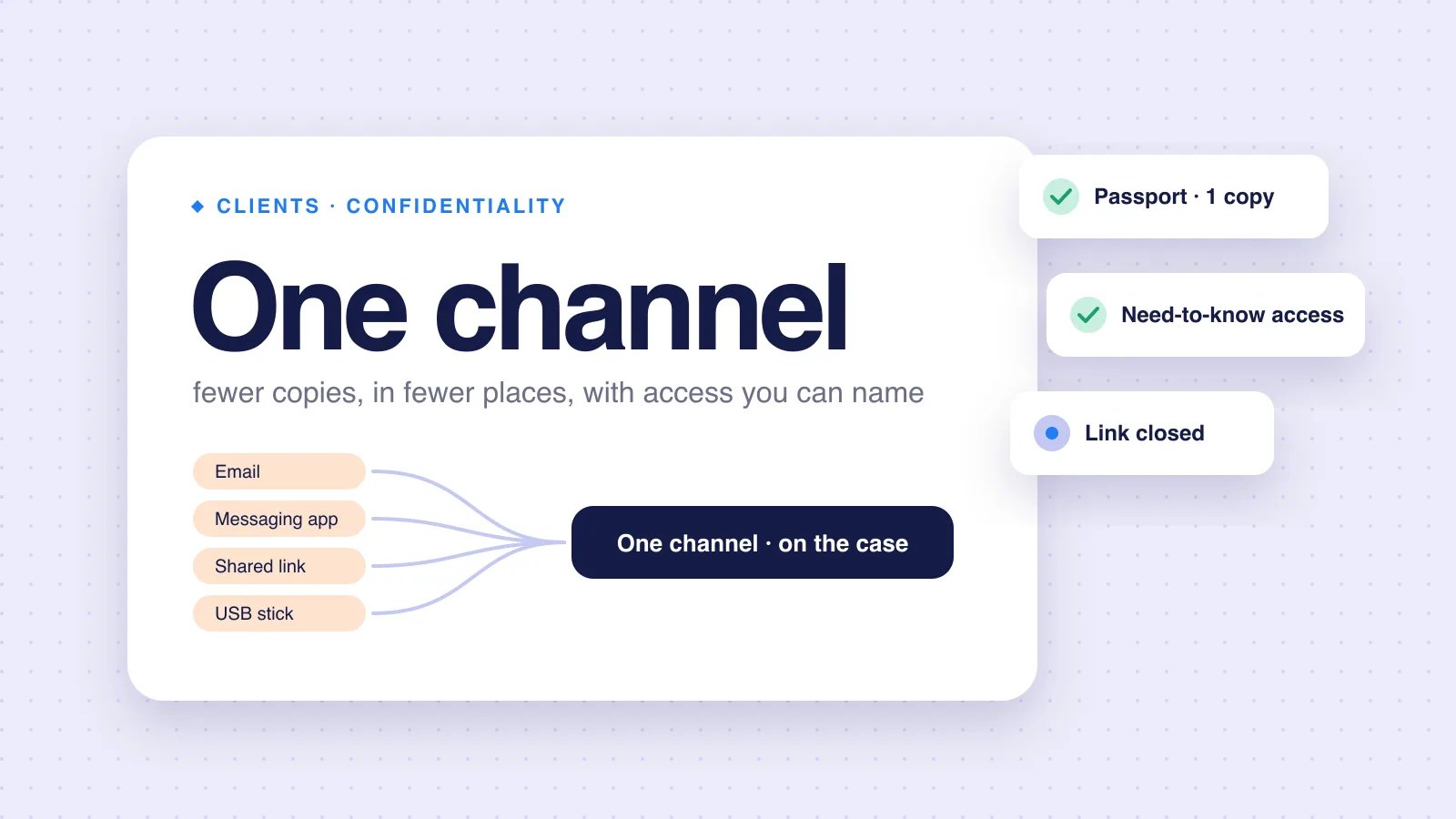
An Express Entry file holds a passport, bank statements, police certificates and a full address history, for every adult in the family. Clients send them however is easiest: email, WhatsApp, a cloud link, a USB stick. Each of those copies is your responsibility once it reaches you. This guide is for the RCIC who has to pick one way of secure file sharing with immigration clients and stand behind it.
It covers what the rules say, how the usual channels compare, and what to ask a vendor. It is practice guidance, not legal or privacy advice.
What the rules say
The Code
Section 28(1) of the Code of Professional Conduct says a licensee "must keep confidential all information in relation to a client or former client" and "take the measures that are necessary to maintain the confidentiality of that information indefinitely."
Section 24(3)(q) says the service agreement must include "a description of the manner in which the licensee will maintain the confidentiality of the client's information and documents." So the method is not only a back-office choice. You describe it to the client in writing.
Privacy law
PIPEDA covers private-sector organizations that collect, use or disclose personal information in commercial activity. The Privacy Commissioner notes that Alberta, British Columbia and Quebec have private-sector laws deemed substantially similar, and that PIPEDA still applies when information crosses provincial or national borders. Check which law applies to your practice.
PIPEDA's safeguards principle asks you to "protect personal information in a way that is appropriate to how sensitive it is." It names three kinds of measures:
| Kind | Examples the Commissioner gives |
|---|---|
| Physical | Locked filing cabinets, restricted office access, alarm systems |
| Technological | Passwords, encryption, firewalls, security patches |
| Organizational | Security clearances, limiting access, staff training and agreements |
The page adds that financial information is generally considered sensitive, and suggests limiting staff access to sensitive files on a "need-to-know" basis.
Files that leave Canada
Most cloud tools store or process data somewhere. The Commissioner's guidelines on cross-border processing say PIPEDA "does not prohibit organizations in Canada from transferring personal information" to another jurisdiction for processing. They also say:
- The organization stays responsible for the information.
- It should require "a comparable level of protection".
- It should tell customers their information may be processed in another jurisdiction, and accessed there by courts, law enforcement and national security authorities.
Secure file sharing with immigration clients: the usual channels, compared
There is no single right answer. Here is how the common options look against the questions that matter.
| Channel | Where copies end up | Who can open them | Main risk |
|---|---|---|---|
| Email attachment | Client's sent folder, your inbox, any device synced to either, any forward | Anyone with access to either mailbox | Copies multiply and never expire |
| Messaging app | Phones on both sides, app backups | Anyone holding the phone | Hard to file, hard to delete, mixed with personal chats |
| Shared drive link | The drive, plus downloads | Anyone with the link, if link sharing is open | Links forwarded or left open after the file closes |
| Client portal | The portal's storage | Your staff and the client, if access is set up that way | Depends on the vendor; ask the questions below |
Whatever you choose, the aim is fewer copies in fewer places, with access you can name.
A practical checklist
- Pick one channel for client documents, and say so in the service agreement, as 24(3)(q) requires.
- Tell clients what not to do. For example: no passports over messaging apps.
- Move stray files. If a document arrives another way, file it in the case and delete the stray copy.
- Limit staff access to the cases they work on, on a need-to-know basis.
- Use multi-factor sign-in on every account that holds client files.
- Close links when a file closes. Shared links should not outlive the case.
- Train staff. Section 38(1)(b) of the Code requires that anyone who assists you is given a copy of the Code and is familiar with it, and the Commissioner's page calls for regular staff training on safeguards.
- Know where your vendor stores data. If it is outside Canada, tell clients, as the cross-border guidelines suggest. For our own answer, see does rcicaxis store client files in Canada.
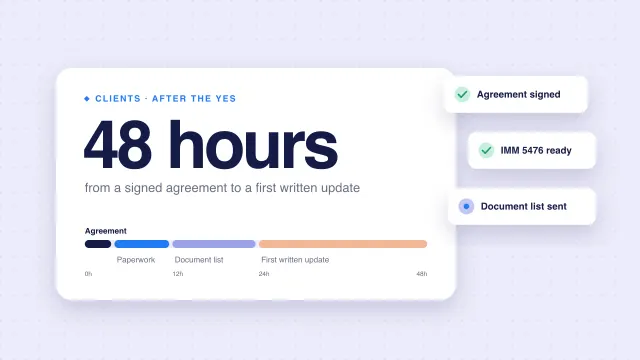
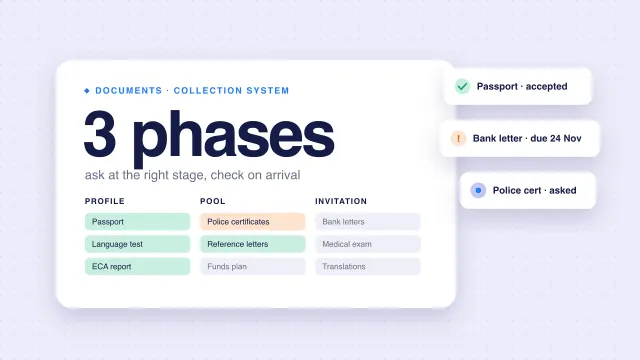
For where this fits in a new file, see client onboarding in the first 48 hours. For the collection routine itself, see our guide to immigration document collection.
When the file closes
30 days
Section 36(1)(a): after a service agreement is completed or terminated, return any of the client's documents or other belongings in your possession.
Indefinitely
Section 28(1): how long the duty to keep client information confidential lasts.
Sharing does not end at submission. Two habits make the close-out easy:
-
Keep originals out of your office
Work from scans. Section 14(1) of the Code restricts a licensee from taking possession of a client's original documents.
-
Close the doors you opened
Revoke shared links, remove the client's portal access if your tool allows it, and clear stray copies from downloads folders.
Keep what the College's record-keeping by-laws require, as section 37 of the Code points to. Delete stray duplicates, not the case record.
Questions to ask any vendor
Where are client files stored, and where are they processed?
Is Canadian residency guaranteed? In writing?
Which subprocessors see document content, for example AI providers? Do they train on it?
Who on the vendor's side can open a client file, and when?
Can you limit staff access per case?
How do you export everything if you leave?
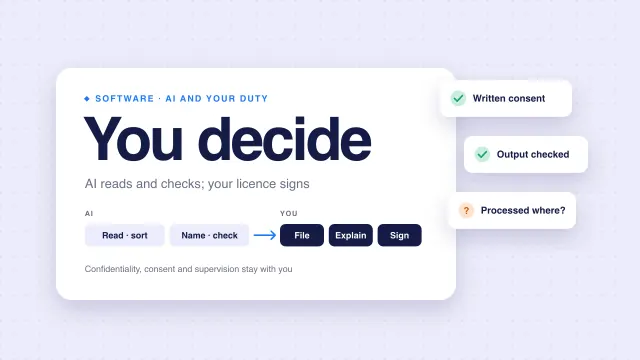
If a vendor cannot answer these in writing, treat that as your answer. Our guide on AI in RCIC practice covers the AI questions in more depth.
How rcicaxis handles this
rcicaxis gives each client a portal under your firm's name, where they upload their own documents and see their own case only. Files sit in encrypted cloud storage, readable by your firm's staff and the client the case belongs to. To be plain about residency: files are stored with Cloudflare, Canadian residency is not guaranteed today, and some AI processing happens outside Canada. AI providers read document content to sort and check it; we use their paid plans, which do not train on what we send, and our privacy policy names each one. If residency is a requirement for your practice, raise it on a walkthrough and we will tell you where each part of a case goes.
Questions
Is email attachment a safe way for clients to send immigration documents?
Neither the Code nor PIPEDA names a specific channel. PIPEDA's safeguards principle asks for protection appropriate to how sensitive the information is. Passports and financial records are sensitive, so weigh where copies end up, who can open them and how long they stay there.
Can I use a software vendor that stores files outside Canada?
The Privacy Commissioner's guidelines say PIPEDA does not prohibit transferring personal information to another jurisdiction for processing. You remain responsible for it, should require comparable protection, and should tell clients it may be processed abroad.
Do I have to explain my file-sharing method to clients?
Section 24(3)(q) of the Code says the service agreement must describe the manner in which you will maintain the confidentiality of the client's information and documents.
Does rcicaxis store client files in Canada?
Not as a guarantee today. Files are stored with Cloudflare, and some AI processing happens outside Canada. If residency is a requirement for your practice, ask on the walkthrough.
Sources
- Code of Professional Conduct for College of Immigration and Citizenship Consultants Licensees (SOR/2022-128)
- Office of the Privacy Commissioner: PIPEDA in brief
- Office of the Privacy Commissioner: Principle 7, Safeguards
- Office of the Privacy Commissioner: Guidelines for processing personal data across borders
Code text and Privacy Commissioner guidance checked against the sources above on November 10, 2026. This is practice guidance, not legal or privacy advice.