Software for solo RCIC practices: a lean stack
A layer-by-layer software stack for a solo or 2-3 person RCIC practice, tied to the Code duties each tool supports, with a short list of what to skip.
A solo RCIC is the licensee, the receptionist, the bookkeeper and the IT department. Every tool you add is one more login, bill and place a client file can hide. Too few tools, and you run the practice from your inbox. This guide to software for solo RCIC practices is for the solo or small-team RCIC who wants the smallest stack that still holds up.
It goes layer by layer. For each layer: what the tool must do, and which duty in the Code of Professional Conduct it helps you meet. Product names appear only where we checked the vendor's own page.
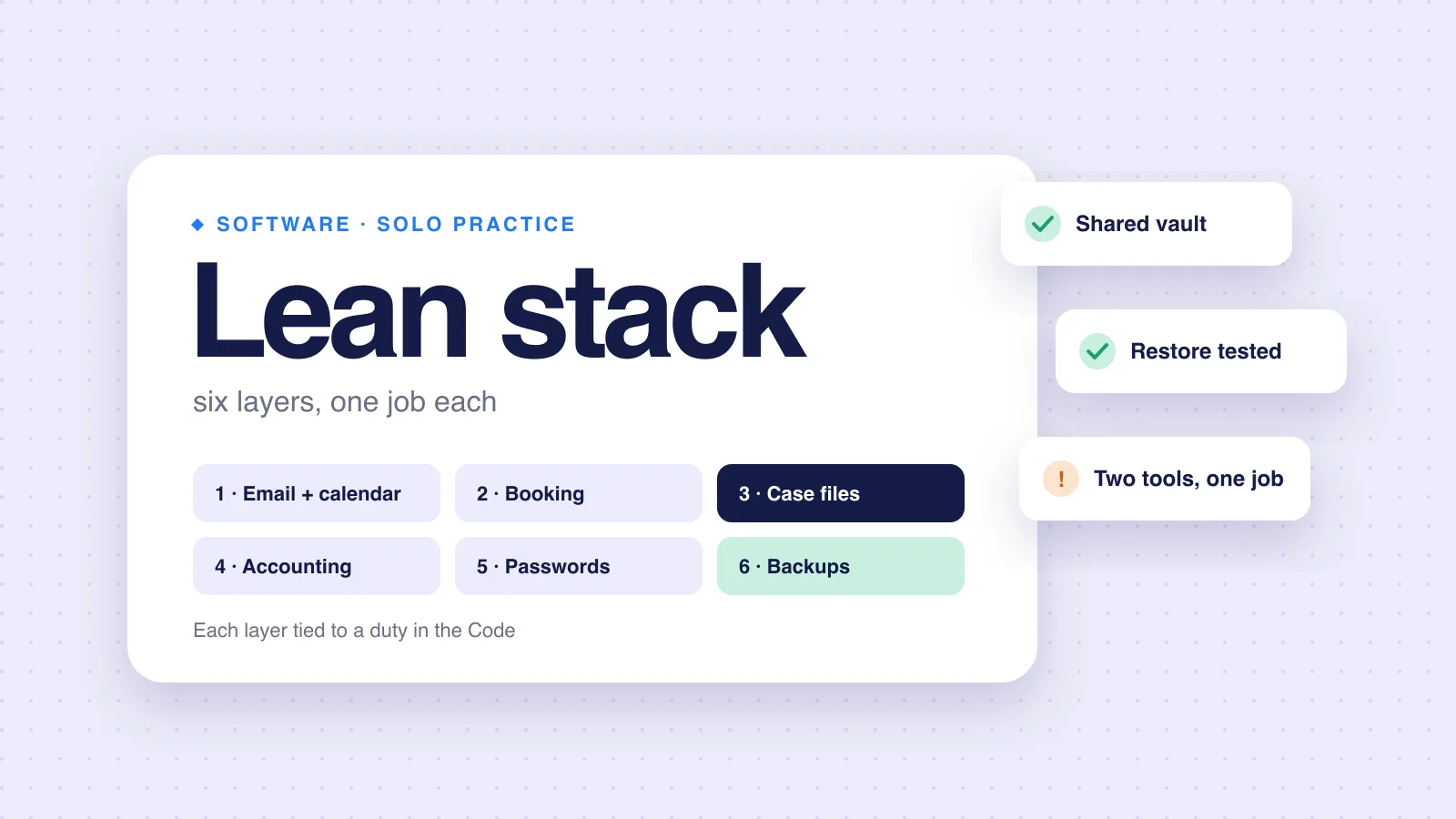
The stack at a glance
| Layer | Must do | Code duty it supports |
|---|---|---|
| Email and calendar | Business domain, shared calendar, written record | 22(3): status updates in writing |
| Booking and agreements | Book consultations, send and sign agreements | 23(1): consultation agreement; 24(1): service agreement |
| Case files and client documents | One place per case, client uploads, deadlines | 37: reliable office administration; 28: confidentiality |
| Accounting | Invoices, funds received, trust money | 36(1): accounting of funds and final invoice |
| Password manager | Shared vault, emergency access | 28: confidentiality; 24(3)(y): file plan if you cannot continue |
| Backups | A second copy you have tested | 37: keep and preserve records |
Layer by layer
-
Layer 1
Email and calendar
Use an address on your own domain, not a free webmail account. Clients see it on every update, and you keep it if you change providers.
Section 22(3) of the Code requires status updates "in writing". Your email archive is part of that record. Turn on multi-factor sign-in. PIPEDA's safeguards principle lists passwords and encryption among the technological measures it expects.
-
Layer 2
Booking and agreements
Section 23(1) requires a written consultation agreement before the initial consultation. Section 24(1) requires a written service agreement before further services. So your booking tool should send the consultation agreement, or link to it, before the call.
You need a way to sign agreements and keep signed copies, which both sections require. A dedicated e-signature tool works. Some case management products include one: Visto's pricing page lists "E-signatures", for example.
-
Layer 3
Case files and client documents
This is the layer that decides how your weeks feel. It holds client details, documents, deadlines and messages for each case. What it must do for a small Express Entry practice:
- One place per case, with the same structure every time.
- A way for clients to upload without email attachments. See secure file sharing.
- Deadlines you cannot miss, such as the 60-day invitation window, with reminders.
- Access limited to staff who work the case.
- A clean export if you leave.
Options range from a shared drive with a strict folder template, to dedicated case management software. Our spreadsheets comparison covers when the folder approach stops working, and our guide on how to choose immigration case management software covers the rest.
-
Layer 4
Accounting
Section 36(1) requires, at the end of a service agreement, an accounting of all funds received, a final invoice and a refund of any trust funds above the invoiced amount. Your accounting setup must make those three steps easy to produce.
You can use general accounting software, with your accountant's sign-off on how it handles trust money. Some case management products include billing: CaseEasy's pricing page lists "Billing & Online Payments" and "Trust reconciliation and compliance reports." Others, rcicaxis included, do not.
-
Layer 5
Password manager
Pick one with a shared vault and emergency access. Two reasons:
- Confidentiality. Section 28(1) requires you to take the measures necessary to keep client information confidential. Reused passwords undo every other measure.
- Continuity. Section 24(3)(y) requires your service agreement to explain what happens to the client's file if you cannot continue. That plan fails if nobody can get into your accounts.
-
Layer 6
Backups
Section 37 requires you to "keep and preserve records in accordance with the by-laws made under the Act." Keep a second copy of client files in a separate place, and test a restore at least once.
A backup you have never restored is a guess. Test a restore at least once.
How the layers connect
Six tools work when each owns one job. They fail when the same fact lives in three places.
One source for client details
Section 24(2) asks you to confirm and, if possible, corroborate the client's name and contact details before the service agreement. Keep the confirmed version in one place, and copy it from there.
One case name across tools
Use the same client and case name in your inbox labels, accounting and case files. Search then works everywhere.
One place for documents
If a document arrives by email, move it into the case and delete the stray copy.
One calendar for deadlines
Invitation dates, document expiry and IRCC requests belong where you look every morning.
What to skip, for now
| Skip | Why |
|---|---|
| A separate CRM | Until you lose track of leads. A booking tool plus your inbox may be enough at low volume. See CRM vs case management for where the line sits. |
| Chat apps for client work | Messages on a personal phone are hard to file in the case record. |
| Two tools that do the same job | Two document stores means two places to search and two places to secure. |
| Annual contracts | Not before a real trial on a real file. |
Count the total
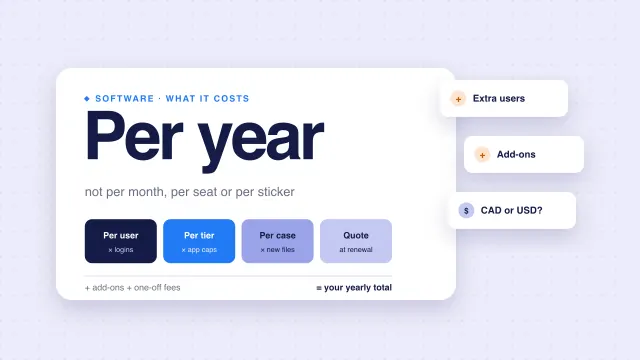
Add up the yearly cost of every layer. Then add an hour of your time for every login you use daily. Our guide to immigration software pricing models shows how to compare per-user, per-application and per-case plans.
How rcicaxis handles this
rcicaxis covers layer 3 for Express Entry files. Clients fill in their own details and upload their own documents through a portal under your firm's name. Deadlines are tracked per pathway with reminders, Argus runs 100+ checks on every file, and Compose builds one PDF per section. It has no billing, booking or e-signature, so layers 2 and 4 stay with other tools. Every staff member is included, and pricing is per case; see rcicaxis for RCICs.
Questions
What software does a solo RCIC need?
At minimum: business email and calendar, booking with a consultation agreement, a place for case files and client documents, accounting for invoices and trust money, a password manager and backups. Everything else is optional until a real problem demands it.
Can I run an RCIC practice on email and spreadsheets?
You can, at low volume. The Code asks for a reliable system of office administration and written client updates, which a spreadsheet can support at low volume. It gets harder as files, staff and deadlines multiply.
Should a solo RCIC buy an all-in-one platform?
Only if it does your two most time-consuming jobs well. An all-in-one that is weak where your hours go costs more than two focused tools.
What happens to my files if I cannot work?
Section 24(3)(y) of the Code requires your service agreement to explain what happens to the client's file if you become incapacitated or cannot continue. Your software and password setup should make that plan workable.
Sources
- Code of Professional Conduct for College of Immigration and Citizenship Consultants Licensees (SOR/2022-128)
- Office of the Privacy Commissioner: Principle 7, Safeguards
- CaseEasy: Pricing (checked 2026-11-10)
- Visto: Pricing (checked 2026-11-10)
The Code, the Privacy Commissioner's page and vendor pages checked against the sources above on November 10, 2026. This is practice guidance, not legal advice.