How to choose immigration case management software
A buyer's guide for solo and small RCIC practices: start from the work you actually do, test vendors on your own files, and compare published prices, checked on 10 November 2026.
Every immigration software vendor shows the same demo: a tidy dashboard, a client list, a green tick. None of that tells you whether immigration case management software fits a two-person practice filing Express Entry cases from a home office. This guide is for the RCIC making that call. It starts from your own work. For the short answer, see what software RCICs use for case management.
We make one of the products named below. We have tried to describe every option, ours included, from its own published pages, and to say plainly where another product fits better.
Step 1: Find where your hours actually go
Before you look at any vendor, track one recent file. Where did the time go?
| If most of your time went to... | Weight these features higher |
|---|---|
| Retyping client data into IRCC forms | IRCC form filling |
| Chasing clients for documents | Client portal, document requests by person |
| Renaming, sorting and merging PDFs | Document handling and package building |
| Catching expired or missing documents | Document checks, deadline tracking |
| Invoices, retainers, trust money | Billing and trust accounting |
| Leads and consultations | Booking, intake forms, CRM |
No product does all of these equally well. Pick the two rows that cost you most, and score every option on those first. If the rows that hurt are leads and follow-ups rather than files, read immigration CRM vs case management first.
Step 2: Check the hard fit
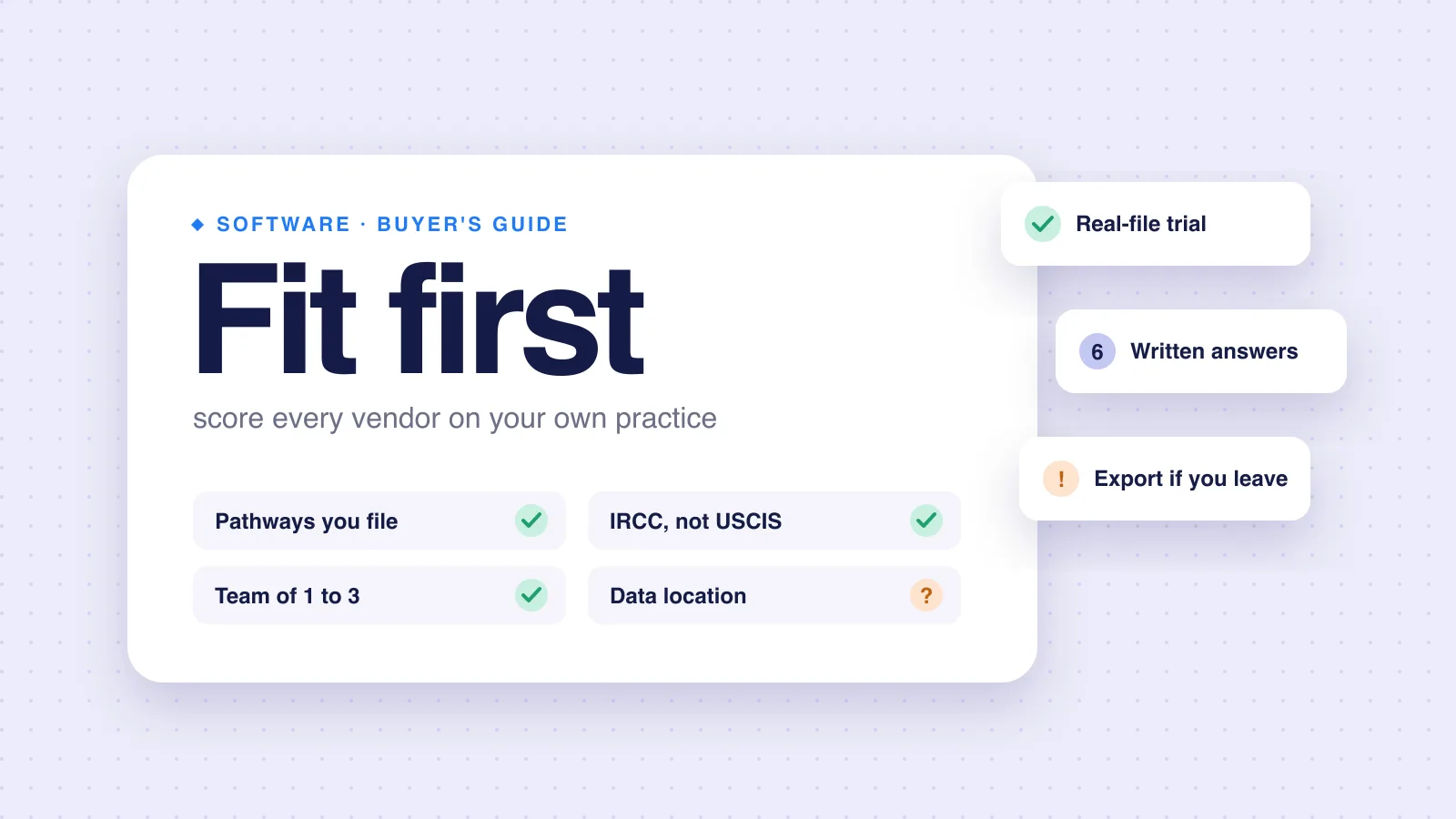
These are yes or no. A "no" on any one usually ends the conversation.
- Pathways. Does it support the programs you file? Some products are built around one pathway.
- IRCC, not USCIS. Check the forms and document lists are Canadian. Not every immigration tool says which country it is built for.
- Team size. Is it priced and built for one to three people, or for a firm of twenty?
- Data location. Where are files stored and processed? Is that acceptable for your clients and your service agreement?
- Your client's side. Can a client upload from a phone, without a training session?
Step 3: Test on a real file
A sales demo uses clean sample data. Your files are not clean. Ask for a trial and run one closed client file through it, from intake to final package. Watch for:
Setup time
How long setup takes before the first useful output.
The client's view
What the client sees, and how many steps they need.
A messy scan
What happens with a badly named, multi-page scan.
The output
Whether the output is something you would actually submit.
Step 4: Ask these questions in writing
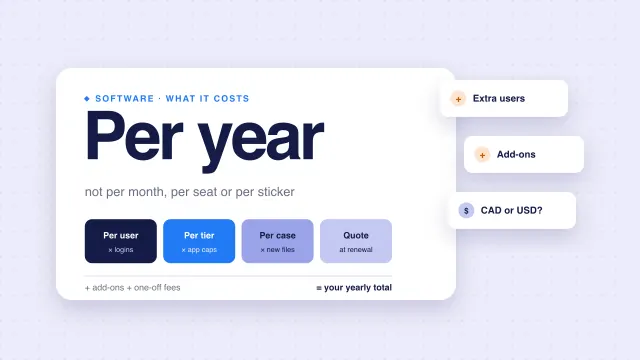
- What is the total yearly cost for my team and my case volume? Include add-ons.
- Is there a contract or minimum term?
- Where is client data stored, and which subprocessors see it?
- If AI is involved, does any provider train on my clients' files?
- How do I export everything, in what format, if I leave?
- What happens to my data after I cancel?
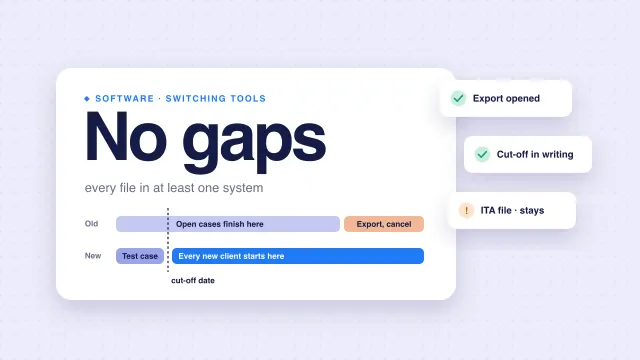
Section 37 of the Code requires a "reliable system of office administration." Question 5 is part of that. A system you cannot leave cleanly is a risk to your records. See switching immigration software for the exit side.
Immigration case management software RCICs look at
Prices below come from each vendor's own pricing page on 10 November 2026. Plans change. Check before you buy. For side-by-side pages, see rcicaxis compared with other RCIC software.
| Product | What its page lists | Published price |
|---|---|---|
| CaseEasy | Case management, intake questionnaires, IRCC PDF and portal form filling, client portal, billing and online payments, trust reconciliation, document verification | Starter from $99/month, Advanced from $199/month, 1 user included, extra users $69/month each, portal form filling $25 per case. The page's estimator shows CAD. |
| Visto | Client portal, IRCC form filling, document merge, automated reminders, e-signatures, AI document generating, "Canadian jurisdiction" | CAD 199, 449 or 999 per month for 10, 25 or 55 applications a month; 3, 10 or 20 users; extra applications $29 each |
| Docketwise | Form library, unlimited cases. The pricing page does not mention IRCC or Canadian forms. | $80 to $140 per user per month depending on plan and billing; currency not stated |
| Officio | Form automation, case files, client portal, lead management; pricing page also lists client/trust accounts, billing and e-signature (checked 12 November 2026) | Solo $69, Pro $99, Ultimate $129 per month, CAD; 1, 3 or 5 user licences |
| rcicaxis | Client portal, document sorting and naming, 100+ Argus checks, one PDF per section, deadline reminders, firm branding. Express Entry only. | First 3 cases free, then USD 15 per new client case (launch price; list USD 20). Every staff member included. |
Where each tends to fit
| Your situation | What the published pages suggest |
|---|---|
| You need billing and trust accounting in the same tool | CaseEasy lists both. rcicaxis has neither. |
| IRCC form filling is your biggest time sink | CaseEasy and Visto both list IRCC form filling. rcicaxis does not ship it. |
| You file many pathways | rcicaxis supports Express Entry only. Choose a product that covers your mix. |
| Document chasing and package building are your biggest time sink, and you file Express Entry | That is the job rcicaxis is built for. |
| You are weighing Docketwise for Canadian files | Its pricing page does not mention IRCC forms, so confirm coverage before a trial. |
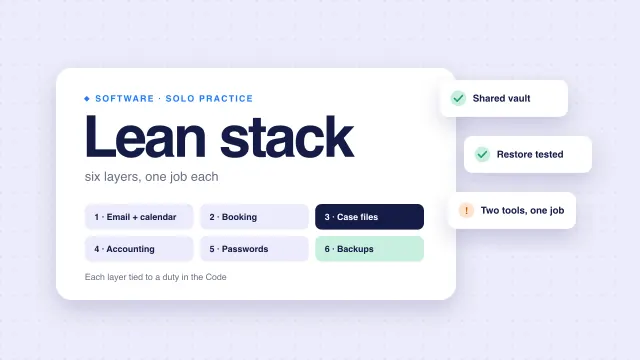
For the cost side in more depth, read immigration software pricing models. If you run a small practice, our lean software stack for solo RCICs shows where case management sits next to your other tools. Our RCIC practice software checklist covers the wider category.
Red flags
Walk away, or ask again in writing, if you see:
- A price you can only learn on a call, with no ballpark.
- No answer on data location or AI training.
- No export, or export only as a support request.
- A trial that will not let you use a real file.
How rcicaxis handles this
rcicaxis is case management software for RCICs filing Express Entry. Clients fill in their own details and upload their own documents through a portal under your name. Argus runs 100+ checks on every file, and Compose builds one PDF per section with a cover, contents and dividers. If you want to test it the way Step 3 suggests, a walkthrough runs on one of your own client folders.
Questions
What is immigration case management software?
Software that holds a client's case in one place: their details, documents, deadlines and communication. Some products add IRCC form filling, billing, trust accounting or document checks. Which of those you need depends on your practice.
Do I need software that fills IRCC forms?
Only if retyping into forms is where your time goes. Several products sell automatic IRCC form filling. If your time goes to chasing and ordering documents instead, weight document handling higher.
How should I trial case management software?
Run one real, closed client file through it, end to end, with the client side included. A demo on sample data shows the happy path, not your mess.
Which immigration case management software is best?
There is no single answer. The right fit depends on your pathways, your team size and where your hours go. Use the checklist in this guide to score each option against your own practice.
Sources
- CaseEasy: Pricing (checked 2026-11-10)
- Visto: Pricing (checked 2026-11-10)
- Docketwise: Pricing (checked 2026-11-10)
- Officio: software pricing (checked 2026-11-12)
- Code of Professional Conduct for College of Immigration and Citizenship Consultants Licensees (SOR/2022-128)
Vendor pages and the Code checked against the sources above on November 10, 2026. Plans change; check each vendor's page before you buy. This is practice guidance, not legal advice.